Active Market
Displays the name or currency of the currently active market from the global market store.
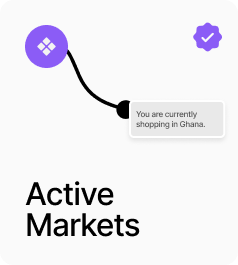
AP_ActiveMarket displays the name or a chosen field from the currently active market and updates automatically whenever the market changes. Four display options are available: Name (e.g. United States), Code (e.g. USD), Symbol (e.g. $), or ISO country code (e.g. US). An optional flag image renders alongside the text using the country’s two-letter ISO code. When Click to Change is on, clicking the component opens the Country mode MarketingPopup so the user can switch their region.
Property Controls
Display
name
Which market field to show. Name = country name (e.g. United States). Code = currency code (e.g. USD). Symbol = currency symbol (e.g. $). ISO = country code (e.g. US).
Fallback
Select Market
Text shown when no market has been selected yet.
Show Flag
false
When on, renders a flag image for the active market’s country code.
Flag Width
20px
Width of the flag image in px. Range: 12–48. Hidden when Show Flag is off.
Flag Radius
2px
Corner radius of the flag image. Range: 0–999. Hidden when Show Flag is off.
Gap
8px
Horizontal gap between the flag and the text label. Range: 0–24. Hidden when Show Flag is off.
Font
14px
Typography for the displayed market text.
Color
#111111
Text color for the displayed market label.
Click to Change
false
When on, clicking the component opens the Country mode MarketingPopup so the user can switch their market.