Stock Count
Companion to AP_StockRemaining in Slots mode. Drop inside a slot design to display the live quantityAvailable value from the selected variant. Shows 24 on canvas as a preview.
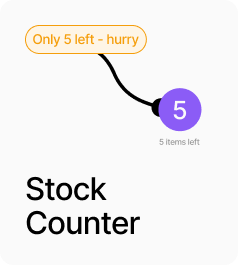
AP_StockCount is a companion to AP_StockRemaining in Slots mode. Drop it inside one of the slot designs — Available or Low Stock — wherever you want the live inventory number to appear as text. It reads the selected variant’s quantityAvailable directly and renders it with optional prefix and suffix text, letting you produce strings like “Only 3 left” or “12 available” entirely from the panel. On the canvas it always shows 24 as a preview. If no variant is selected or inventory is not tracked, it falls back to a configurable fallback string.
Property Controls
Prefix
—
Text rendered before the quantity number. Example: "Only " to produce "Only 3".
Suffix
—
Text rendered after the quantity number. Example: " left" to produce "3 left".
Fallback
—
Text shown when no variant is selected or when inventory is not tracked by Shopify.
Color
#333333
Text color for the displayed quantity.
Font
13px / 1.3em
Typography for the displayed quantity text.