Market Selector
Renders a market/region selector dropdown that syncs with Shopify markets and updates prices across the site.
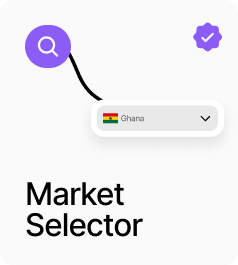
AP_MarketSelector is a dropdown region picker that fetches available markets from Shopify and updates the active market across the site when a country is selected. In Dynamic mode it fetches live from your Shopify store. In Static mode you define the market list manually. The trigger can be a built-in styled button — configurable with flag, label, chevron, padding, and colours — or replaced entirely with a Custom Trigger slot. The dropdown list styling, container dimensions, shadow, and alignment are all configurable from the panel. Selecting a market triggers a price refetch across all market-aware components.
Property Controls
Source
dynamic
Dynamic = fetches available markets live from your Shopify store. Static = uses a manually defined list.
Markets
—
The list of markets when Source is set to Static. Each entry includes Name, Country Code, Language Code, Currency Code, and Currency Symbol. Only shown in Static mode.
Custom Trigger
—
Optional. Connect your own designed button. It fills the component frame and toggles the dropdown on click. If empty, the built-in trigger is used.
Trigger
—
Styling for the built-in trigger. Includes flag, label, display field, chevron, gap, font, colors, border, radius, and padding. Hidden when a Custom Trigger is connected.
Dropdown List
—
Styling for each row in the dropdown. Includes flag, currency display, checkmark, font, text colors, background, hover background, padding, item radius, and gap.
Dropdown Container
—
Dropdown panel settings: alignment (left/right), show label toggle, background, border, radius, min width, max height, and box shadow.