Popup Trigger
Manually triggers MarketingPopup to open when clicked, ideal for subscribe or CTA buttons.
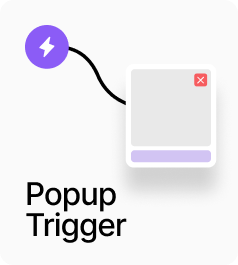
AP_PopupTrigger manually opens a MarketingPopup when clicked. Set the Mode to match the mode configured on the target MarketingPopup — Email Capture, Exit Intent, or Country — and connect your designed button to the Trigger slot. Clicking fires the corresponding open event and the popup opens wherever it is on the page, with no prop chain needed. Use this for subscribe CTAs, region-change links, or any button that should open a specific popup on demand.
Property Controls
Mode
emailCapture
Must match the Mode set on the AP_MarketingPopup you want to open. Options: Email (emailCapture), Exit Intent (exitIntent), Country (country).
Trigger
—
Connect your designed button or element. Clicking it opens the matching MarketingPopup.